
Monster.cs
public float Speed = 3f;
private Vector3 Direction;


    void Start()
    {
    	// 플레이어 오브젝트를 들고온다
        Player = GameObject.Find("Player");
    }


    void Update()
    {
        // Player를 향하는 방향 벡터 계산
        // 플레이어의 위치에서 나(=Monster)의 위치값을 뺀다.
        Direction = (Player.transform.position - transform.position).normalized;

        // 계산된 방향으로 이동한다 (이동할 방향 좌표 * 속도 * 프레임 간의 시간간격)
        transform.Translate(Direction * Speed * Time.deltaTime);
    }
normalized
피타고라스 정리에 의해 대각선으로 움직일 때는 좌우방향으로 움직일 때보다 속도가 빨라진다.
이를 평준화, 즉 정규화시켜줘야 일정한 속도로 움직인다.
즉 이동하는 방향에 따라 속도를 일정하게 1로 유지할 수 있도록 유니티에서 Normalized 메서드를 제공한다.
Unity Documentation
Unity - Scripting API: Vector3.normalized
When normalized, a vector keeps the same direction but its length is 1.0. Note that the current vector is unchanged and a new normalized vector is returned. If you want to normalize the current vector, use Normalize function. If the vector is too small to
docs.unity3d.com
Time.deltaTime
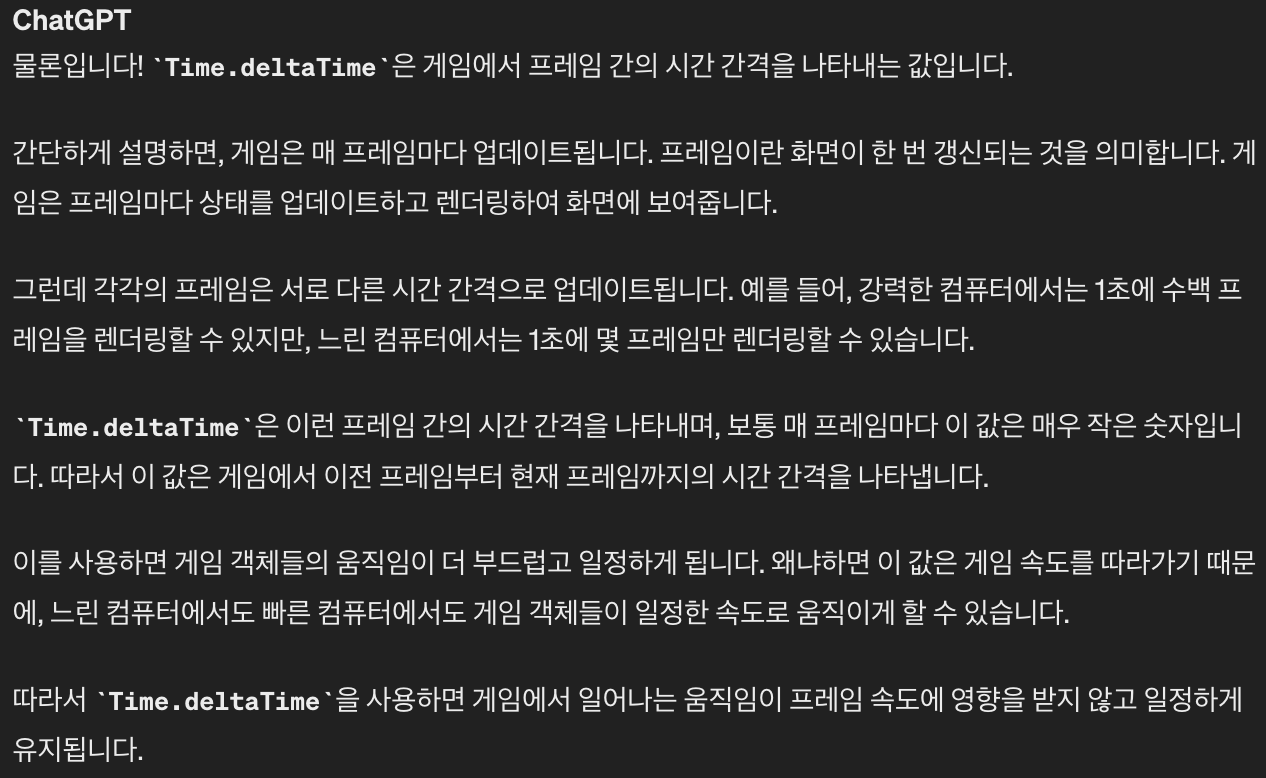
프레임 간의 시간 간격을 의미한다.
컴퓨터의 성능에 따라 프레임 간격이 다르다.
이 값은 컴퓨터 각각의 게임 속도를 따라가기 때문에
느린 컴퓨터에서도 빠른 컴퓨터에서도 게임 객체들이 일정한 속도로 움직이게 한다.
예를 들어 1 프레임 -> 2 프레임으로 렌더링 할 때 걸리는 시간이 2초라면
Time.deltaTime = 2
'Unity' 카테고리의 다른 글
| Unity 오브젝트 자동으로 색상 변화시키기 #Color Lerp (0) | 2024.08.02 |
|---|---|
| Unity Ch7 - Collider, OnCollision, OnTrigger (0) | 2024.03.23 |
| Prototype5: MonoBehavior, Awake(), Start(), this vs gameObject (0) | 2024.03.01 |
| AudioSource : 게임에 BGM, Sound Effect 적용하기 (0) | 2023.12.12 |
| Global Volume : 체력 닳는 효과 (Post Processing) (1) | 2023.11.29 |

